For Carriers
Get the app. Get on the road.
Download CarrierTrack® for iPhone or Android, then sign in with the account your company set up for you.
The basics
Your route in six steps.
1. Choose your route
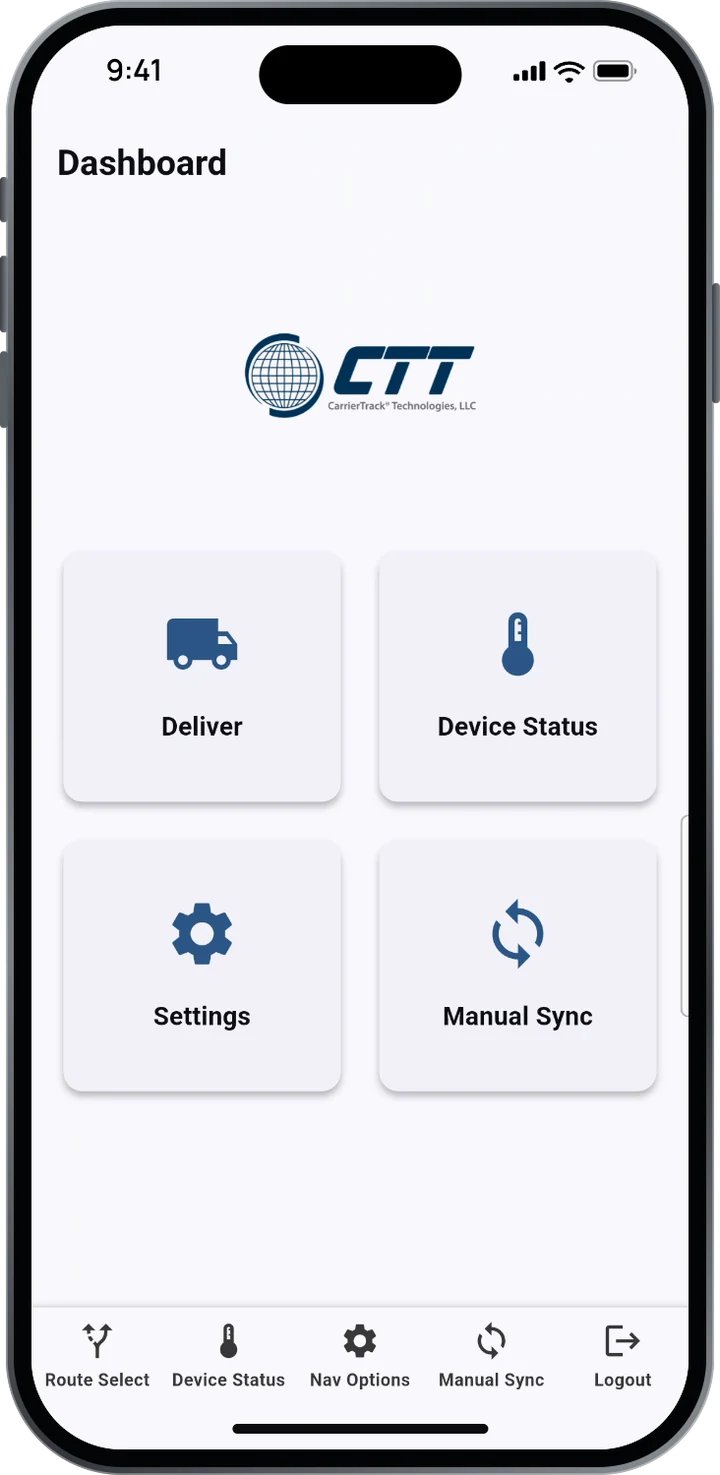
Tap Deliver or Route Select and pick today’s route from your sequenced routes. TMC routes have their own list.
2. Follow the guidance
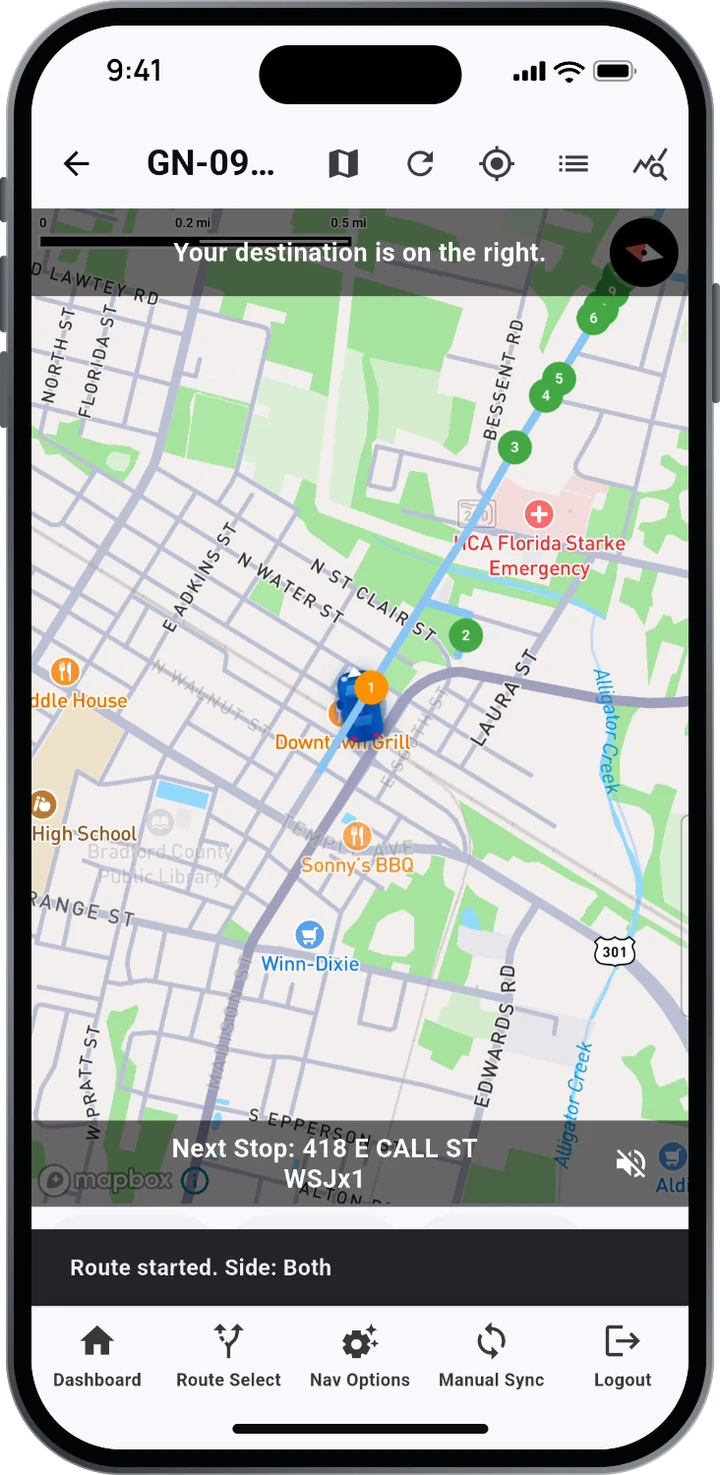
Directions and delivery notes are spoken and shown at every stop. Use Pause, Stop or Skip as you need, and the speaker icon to mute.
3. Let GPS verify
Stops complete as you arrive. When a stop needs proof, tap the camera on that stop to take a photo and record the placement.
4. Set your own order
Know a better order? With CARS, drag stops in the list or on the map, then save the order for today or every day after.
5. Use the Stop Toolkit
Tap the tools icon on a stop to update its GPS location, reconcile a delivery within 400 feet, flag an address that doesn’t exist, or scan a barcode.
6. Sync when you’re done
When you finish, your route uploads on its own. No signal? It uploads once you’re back in coverage. If something looks out of date, tap Manual Sync on the dashboard.
How-to videos
See it before your first route.
Watch the 49-second overview of a CarrierTrack route, from picking it to syncing it.
Need help on your route?
Call your route manager first. For app questions, reach our team directly.