
Delivery software for media distribution for iOS and Android
Designed to deliver the future.
Distribution by carriers or drivers can be an overwhelming task. CarrierTrack® has been created to simplify and organize this process. CarrierTrack® puts the power of route delivery sequencing into the user’s hands.
- iOS
- Android
Trusted by publishers and distributors across the country




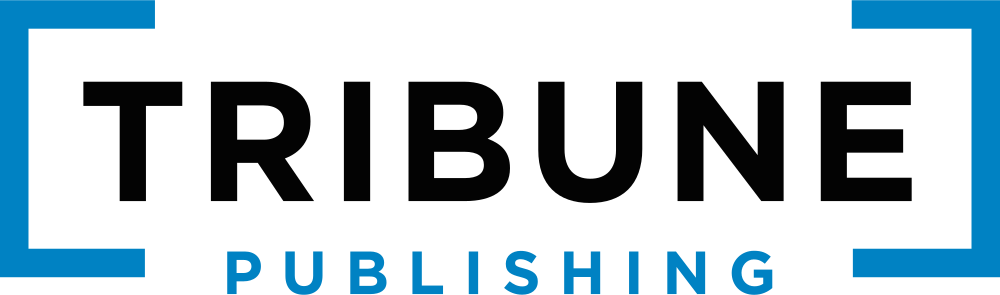





One route, start to finish.
This is what your carriers see on a real CarrierTrack® route, from choosing it to syncing it.
-
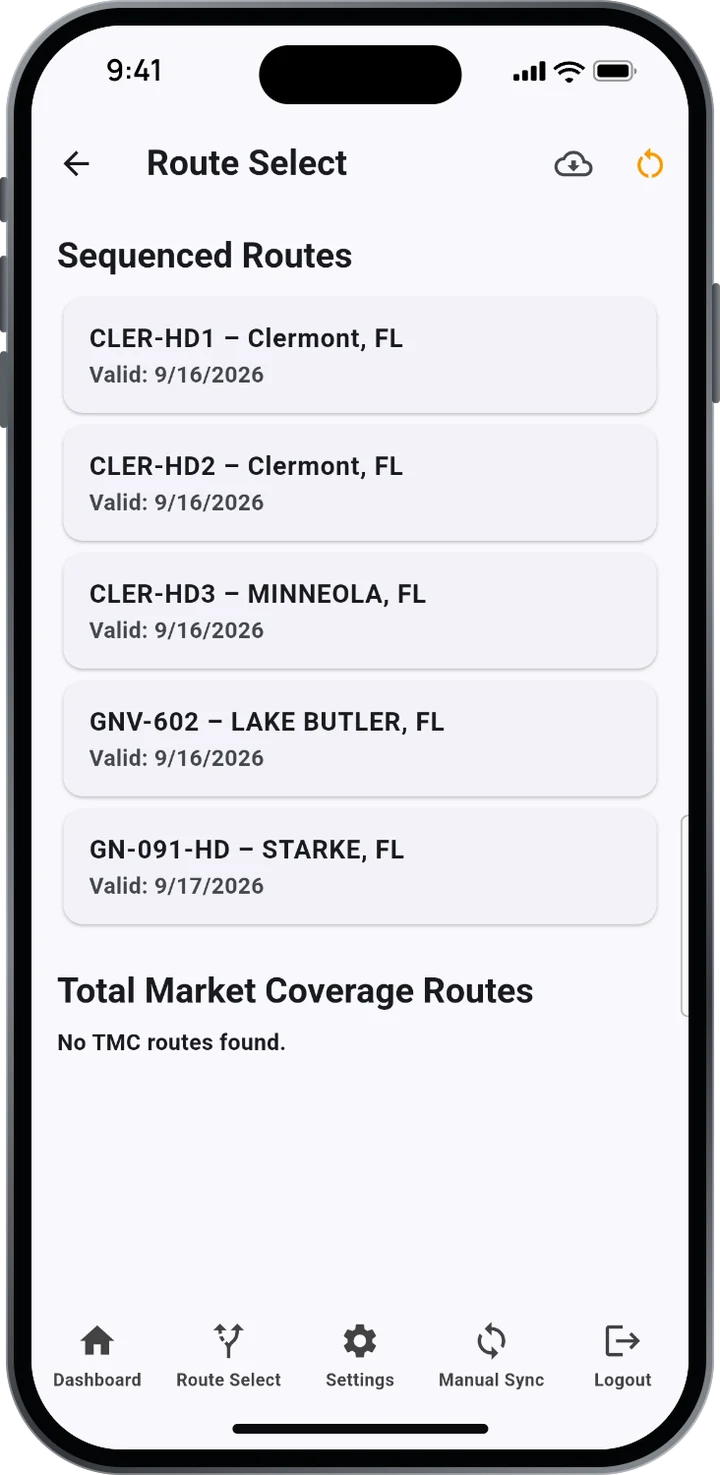 1Choose the route
The carrier chooses the route they want to deliver.
-
2C.A.R.S. (Carrier Arranged Route Sequencing)
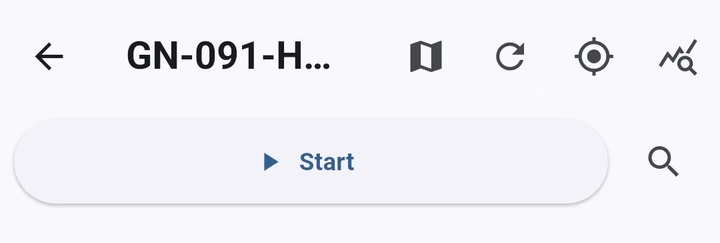

The Carrier Determines the Sequence.
The carrier puts the stops in the order they want to deliver them.
-
3Drive it
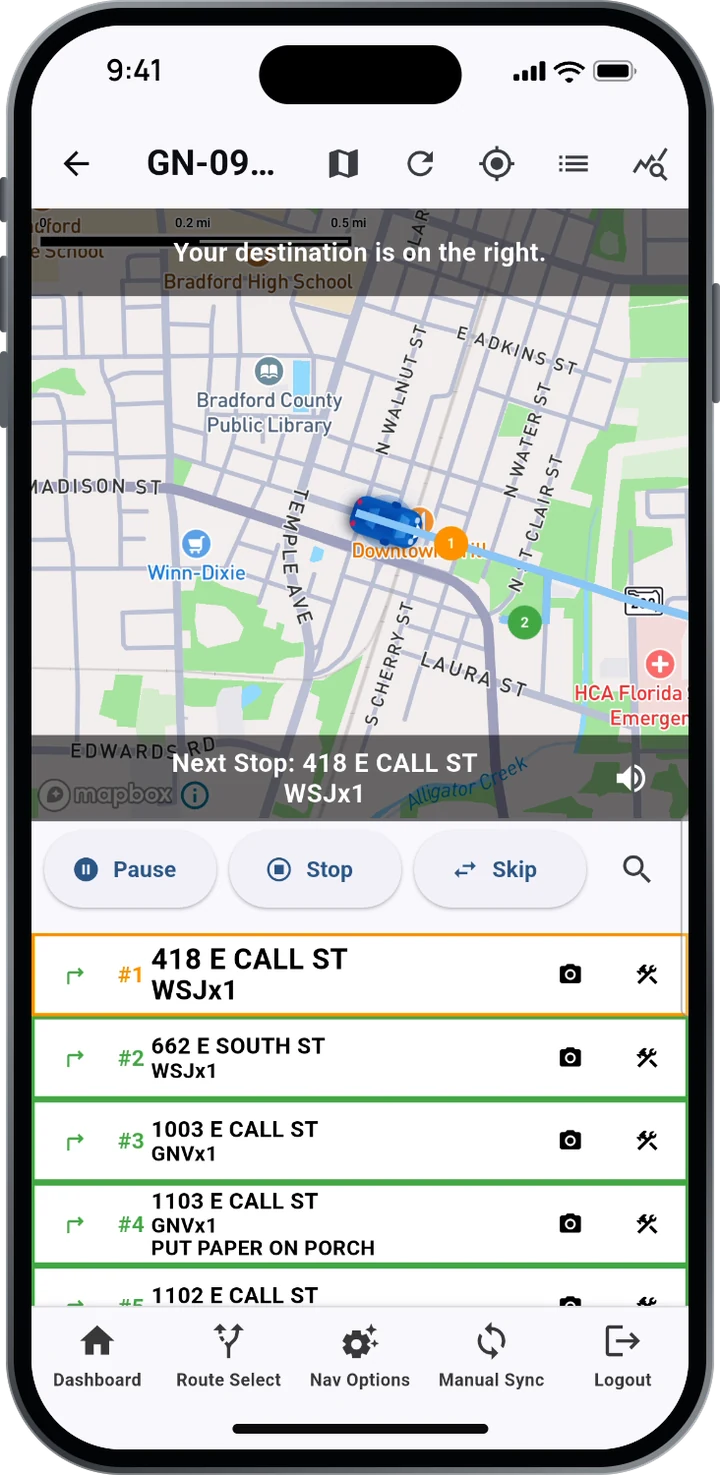
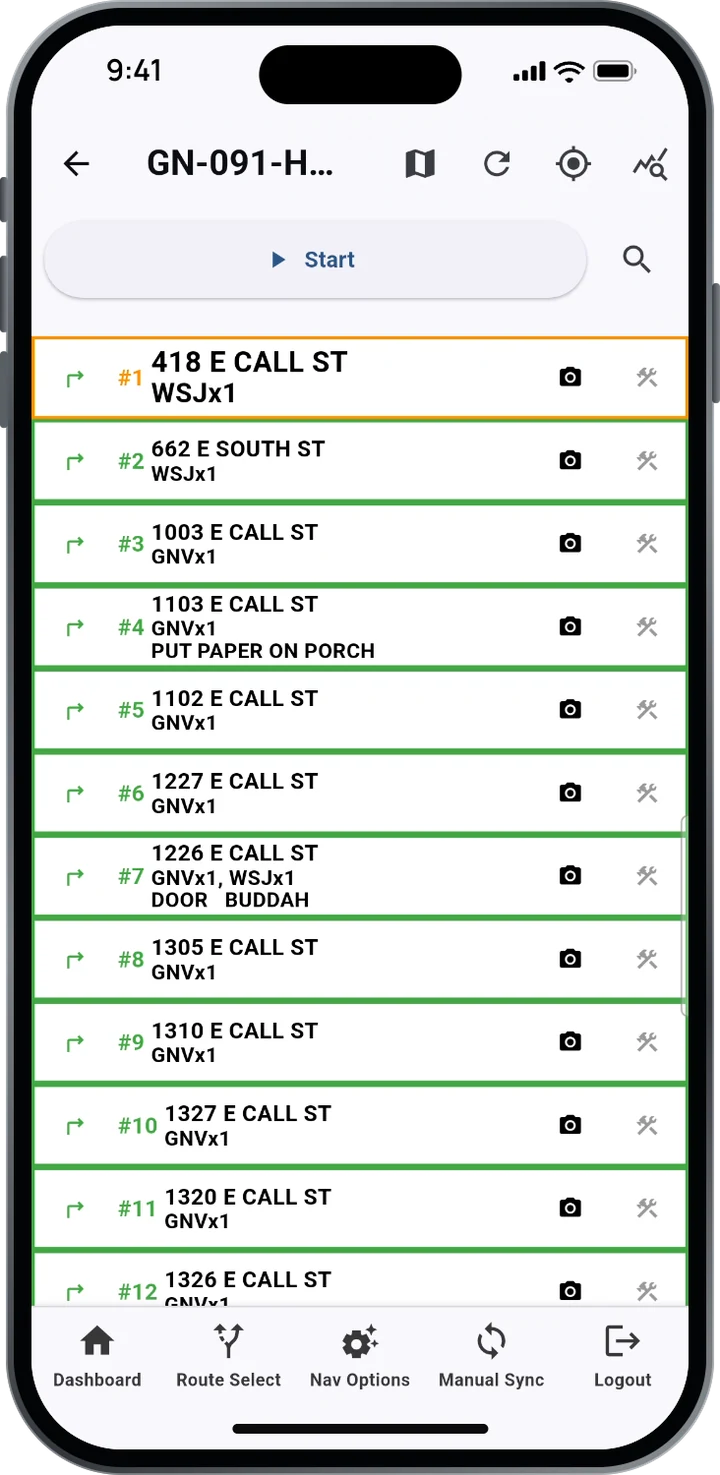
The carrier starts the drive using one of two modes.
Turn by turn, spoken and on screen. Directions and delivery details are read aloud and shown at every stop: the address, the product, and notes like “Put paper on porch.” Carriers can pause, stop or skip, and mute the voice. Experienced carriers can use List Mode, which shows each deliverable address in the sequence they chose.
-
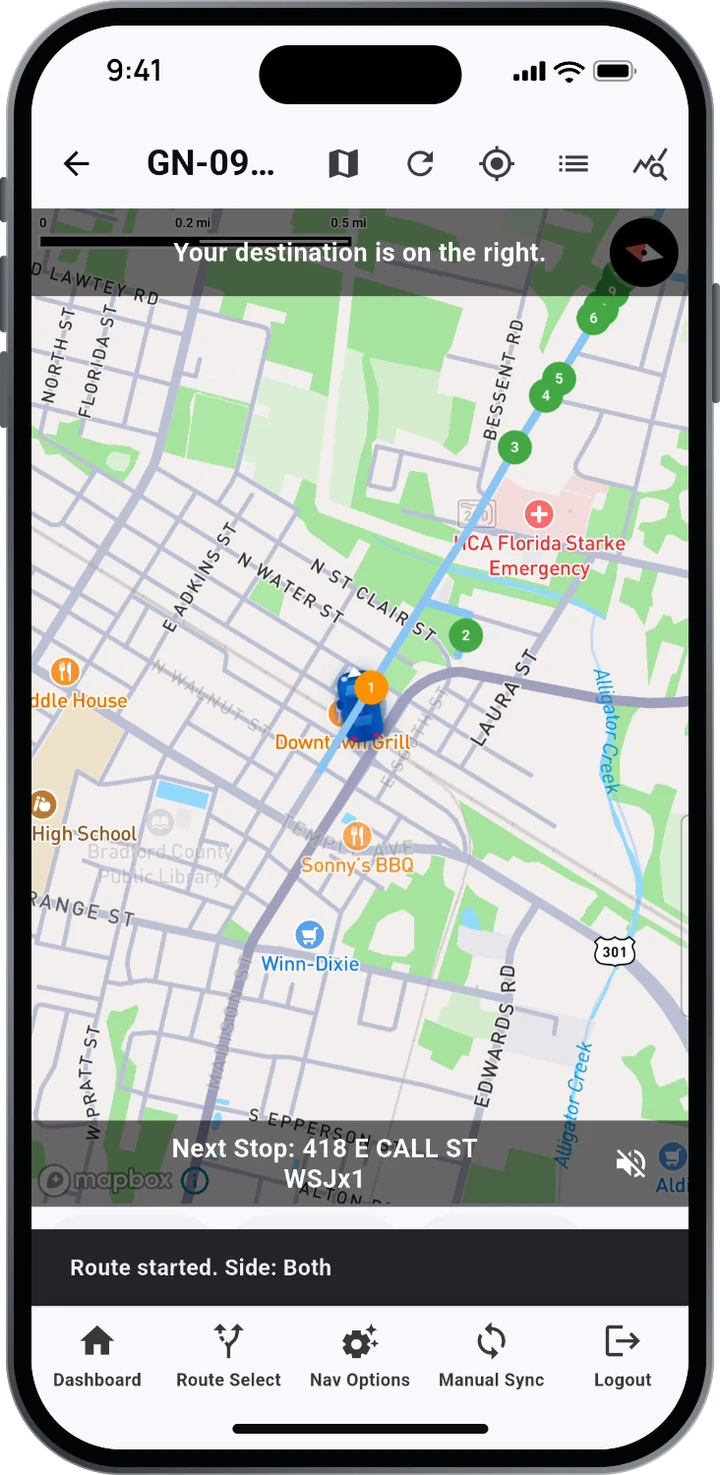 4Arrive
The carrier arrives, and the delivery is verified.
-
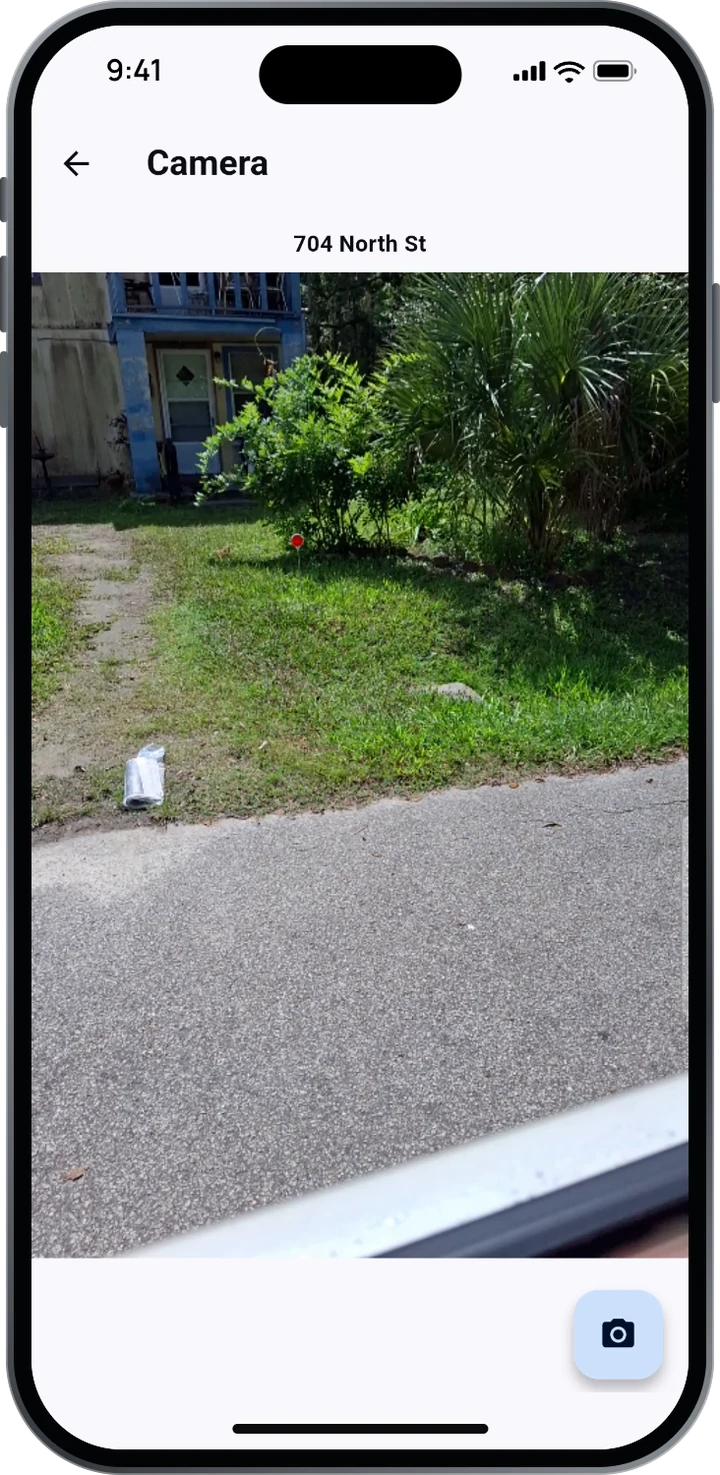 5Prove it
A photo where it counts.
When a delivery needs proof, the carrier has the ability to snap a photo and record where it landed: porch, driveway or tube.
-
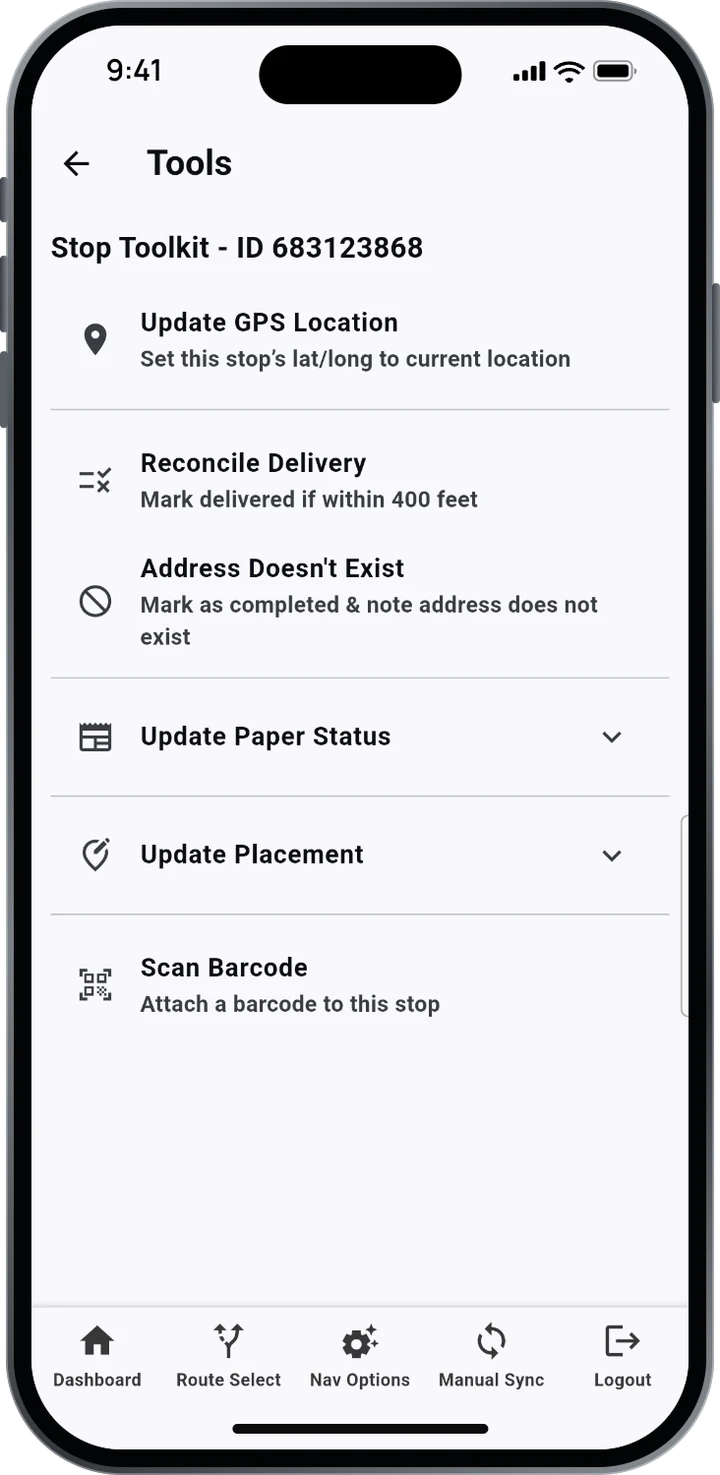 6Customize information about delivery
A toolkit for the stops that aren’t simple.
The carrier has the ability to update the following:
- Update a stop’s GPS location on the spot
- Reconcile a delivery within 400 feet
- Flag an address that doesn’t exist
- Update paper status and placement, or scan a barcode
-
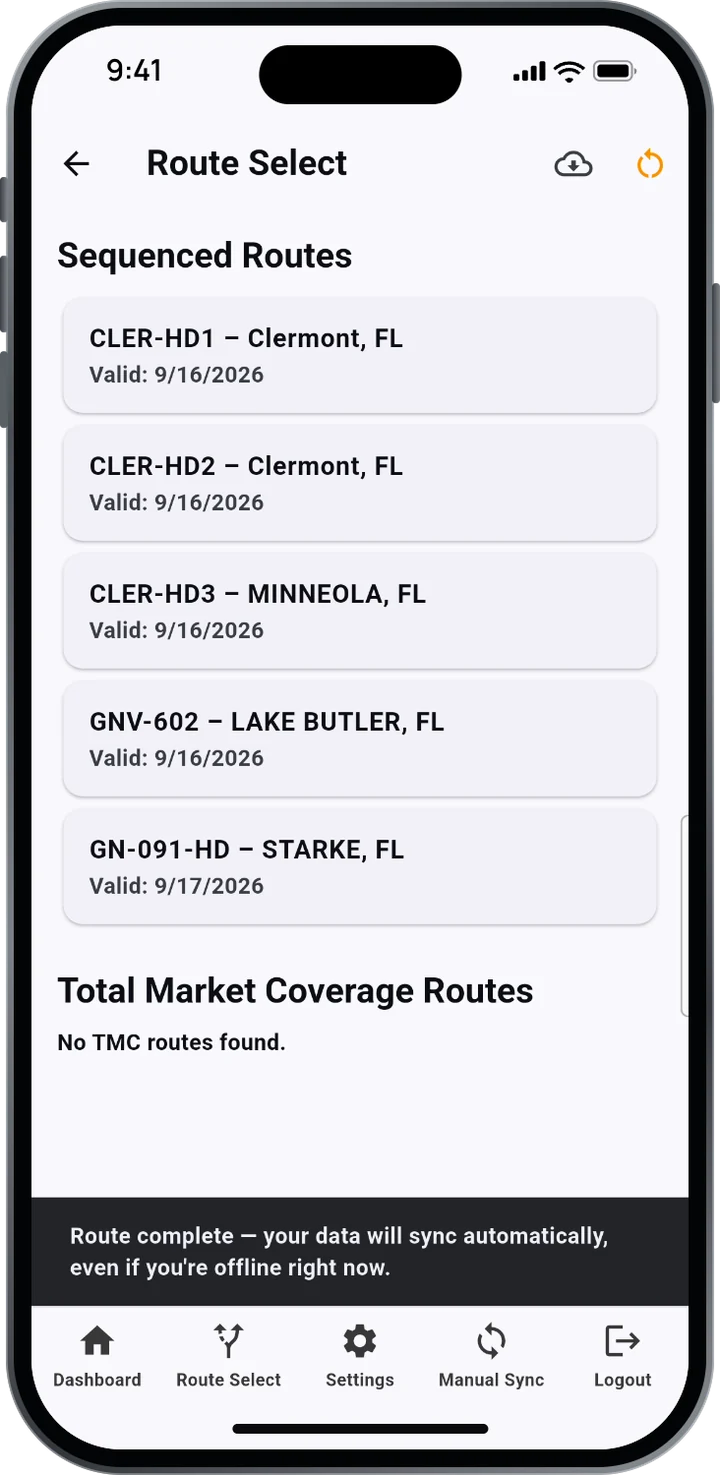 7Finish
Route complete, and synced.
All data is uploaded to the CarrierTrack® server.
Only in CarrierTrack®
You determine your sequence.
C.A.R.S., Carrier Arranged Route Sequencing, puts the stop order in the carrier’s hands. The carriers who know the streets best can set the order, and CarrierTrack® keeps it.
- Drag & drop stopsReorder addresses right in the list.
- Arrange on the mapList and map update instantly.
- Save the sequenceFor one day or every delivery after.
The saved order adjusts around set delivery cycles as volumes and addresses change, giving carriers more control, consistency and efficiency.
Contact us
Let’s talk about your delivery operation.
Call or email us directly, or send us a message. We’ll show you CarrierTrack® on both sides of a route: the carrier’s app and what your office sees the next morning.
- A walkthrough built around your routes and products
- The carrier app, live, on iOS or Android
- Reporting for distribution, operations and advertisers
Contact our team


210 W. Tienken Road, Rochester Hills, MI 48306
Monday–Friday, 9:00 a.m.–7:00 p.m. Eastern